If you’re a middle school, high school, or even college student dealing with basic finance or math homework, simple interest problems can sneakily trip you up. I totally get it. When I was learning simple interest for the first time, I thought the formula was straightforward enough to nail every time. Spoiler: I was wrong.
I lost so many points on homework and quizzes over tiny, silly mistakes—wrong time conversions, mixed-up percentage values, and messy manual multiplication errors. Back then, I didn’t know what is the best simple interest calculator for students, so I used random generic calculators that overcomplicated things or gave me answers that didn’t match my textbook formulas.
That frustration is exactly why I put together this honest, no-fluff guide. I’m breaking down exactly what makes a calculator perfect for student use, which features you actually need for schoolwork, and which tools you should avoid entirely. By the end, you’ll know exactly how to pick a student-friendly simple interest calculator that saves you time and eliminates homework errors.
Why Students Need a Specialized Simple Interest Calculator
You might be asking yourself—can’t I just use any basic calculator online? It’s a fair question. I used to think that too, until I ran into endless issues with generic finance calculators.
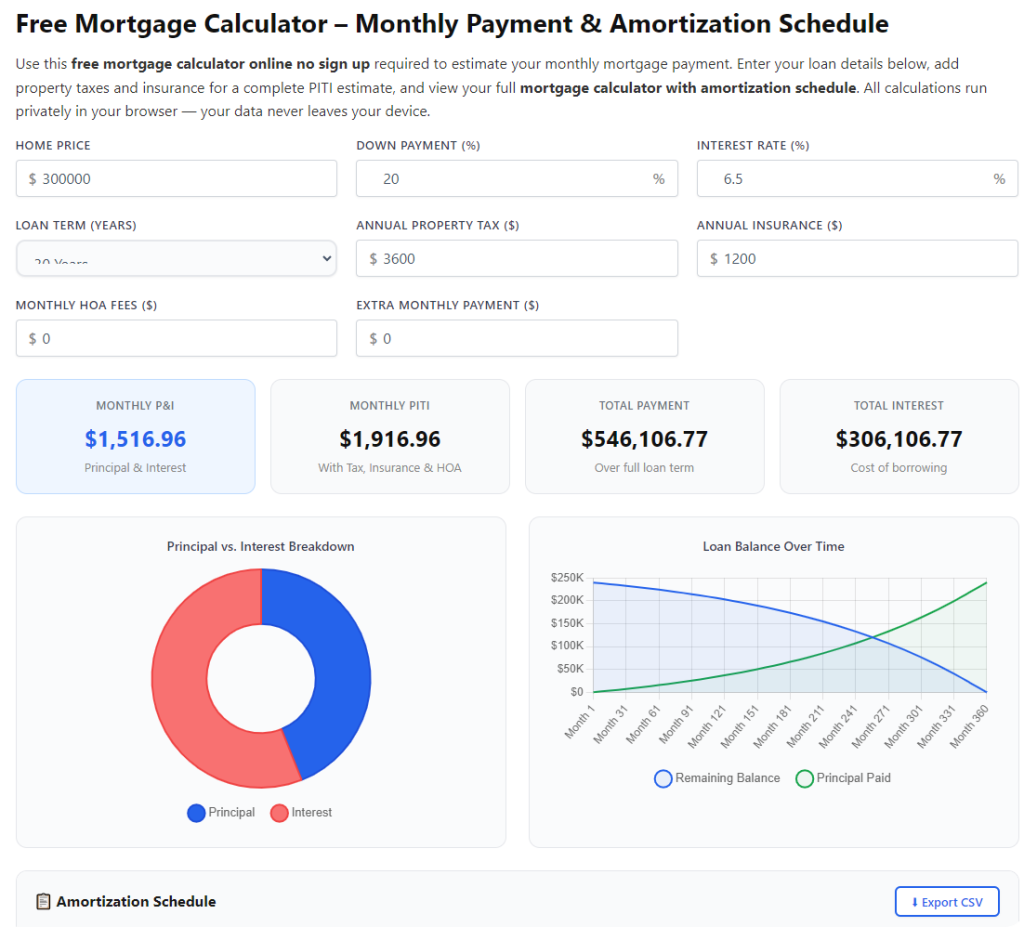
Most regular interest calculators are built for adults managing loans, mortgages, or investments. They come loaded with extra settings for compound interest, loan fees, amortization schedules, and advanced financial features that students simply don’t need for classwork.
Worse, many of these tools default to compound interest without telling you. I can’t count how many times I input all my homework numbers correctly, hit calculate, and got a totally wrong answer—all because the tool was running compound math instead of simple interest math. It was so confusing as a new learner.
A true free simple interest calculator for schoolwork is built specifically for student learning. It strips out all the unnecessary adult finance features, sticks strictly to simple interest formulas, and shows clear results that align perfectly with your math curriculum. It’s not about fancy features—it’s about accuracy and simplicity for beginners.
What Makes the Best Simple Interest Calculator for Students? (Key Features)
When I’m picking out tools for students, I don’t care about flashy designs or extra bells and whistles. I only care about the features that actually make your homework easier and your grades better. These are the non-negotiable traits that answer the question: what is the best simple interest calculator for students.
1. Strict Simple Interest Only Mode
This is the most important feature by a mile. The best student calculator must default to simple interest and let you turn compound interest off completely. No hidden settings, no auto-switching math modes, no confusing fine print.
So many hybrid calculators mix simple and compound functions, and students have no idea they’re using the wrong mode. This single issue causes more homework mistakes than anything else. A dedicated student tool keeps things locked on simple interest math 100% of the time.
2. Simple, Uncluttered Student Interface
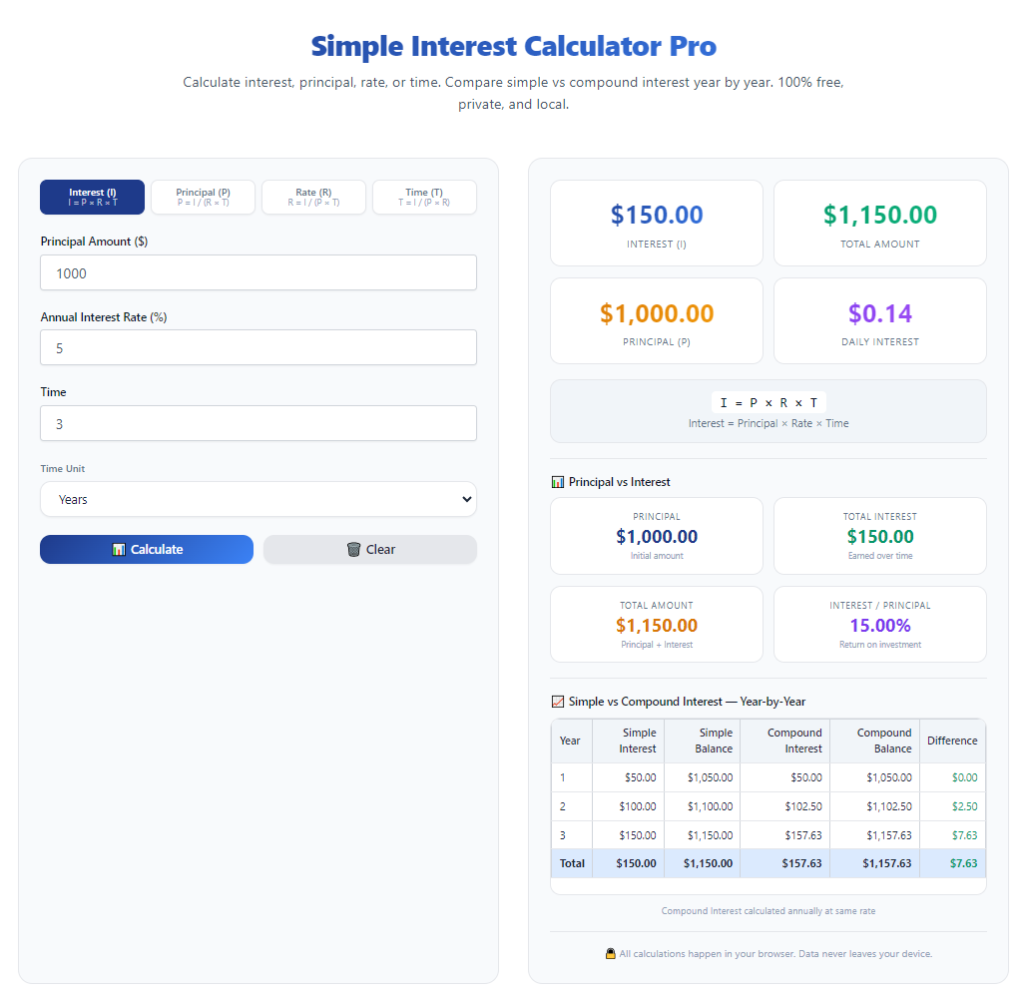
Students don’t need complicated dashboards, graphs, or financial forecasting charts. The best tools only show the three core input fields: principal, interest rate, and time period. That’s it.
I’ve used calculators with so many extra boxes for taxes, fees, and compounding periods that I accidentally typed my numbers into the wrong fields. A clean, minimal interface eliminates that risk entirely and lets you focus solely on your math problem.
3. Clear Step-by-Step Math Breakdown
This feature is a total game-changer for students, and it’s why I always recommend a simple interest calculator with step-by-step breakdown. A regular calculator only gives you a final number. A student-focused calculator shows every step of the math behind that number.
For homework and exams, this is priceless. Teachers don’t just want the right answer—they want to see your work. When the calculator shows the full formula breakdown, you can follow along, learn the process, and fix gaps in your understanding instead of just copying a final value.
4. Flexible Time Unit Options
School problems use all kinds of time frames: days, months, half-years, and full years. Adult finance calculators almost always default strictly to years and force manual conversions, which is where most students mess up.
The best student tools let you toggle easily between days, months, and years. They automatically convert units for you, so you don’t have to stress about turning 6 months into 0.5 years manually. It cuts down human error drastically.
5. 100% Free and No Sign-Up Required
As a student, you shouldn’t have to pay for a basic math tool or create an account just to finish homework. The top student simple interest calculators are completely free, require no downloads, no email sign-ups, and no hidden paywalls.
I’ve tested tools that lock detailed breakdowns behind a premium subscription, which is useless for casual schoolwork. Stick to tools that offer full functionality for free for every student.
My Honest Student Tool Ranking (No Sponsored Picks)
After testing dozens of calculators for student use over the years—both for my own practice and to help classmates—I’ve narrowed down what actually works. No biased recommendations, just real student-tested results to answerwhat is the best simple interest calculator for students.
The clear top pick for all grade levels is a basic, education-focused accurate interest calculator for math homework that checks every box above: simple-interest-only mode, clean student interface, step-by-step work breakdown, flexible time units, and completely free access.
It outperforms generic finance calculators because it’s built for learning, not investing. Every result matches standard textbook simple interest formulas, and the step-by-step breakdown teaches you the math instead of just doing it for you.
The only tools I suggest avoiding are multi-purpose finance calculators, loan calculators, and investment calculators. They have too many advanced settings, default to compound interest, and often produce answers that don’t align with school math standards.
Common Student Mistakes Fixed by the Right Calculator
I’ve tutored several classmates on simple interest problems, and I see the same handful of mistakes every single time. The right student calculator fixes all of these automatically.
First, incorrect time unit conversion. Students almost always input raw month numbers instead of converting to years. Student calculators let you select “months” as a unit and convert automatically, ending this error.
Second, compound interest mix-ups. Generic tools sneakily use compound interest logic, which makes student answers wrong. Dedicated student tools lock into simple interest mode so your homework matches teacher expectations.
Third, percentage decimal errors. New learners often mix up whole percentages and decimal values. Student-friendly calculators accept whole number rates (like 5 for 5%) so you don’t have to do extra decimal math.
Fourth, missing work steps. Without a breakdown, students can’t show their work for credit. The best student calculators display every formula step, so you learn and earn full points.
How to Use the Best Student Simple Interest Calculator (Step-by-Step)
Once you’ve picked the right student-focused tool, using it is incredibly easy. I’ll walk you through the exact student workflow I use for all my homework problems.
First, confirm the tool is set to simple interest mode. Double-check there’s no compound interest toggle turned on. This takes two seconds and saves you from major errors.
Second, type in your principal amount. This is your starting money value from the math problem. Only input numbers—skip dollar signs and commas to avoid tool errors.
Third, enter your annual interest rate as a whole number, just like your textbook provides. No decimal conversion needed on student tools.
Fourth, select your correct time unit (days, months, or years) and input the number from your problem. Let the tool handle all unit conversions for you.
Fifth, hit calculate and review the step-by-step breakdown. Compare each math step to your class formula to make sure you understand every part of the calculation.
Real Student Homework Example
Let’s use a typical textbook problem to show how well a student calculator works. Say your question reads: Find the simple interest on $5,000 at 3% annual interest for 2 years.
Plugging these values into a student-friendly simple interest calculator instantly gives you $300 in simple interest, with a full breakdown showing the principal × rate × time formula in action.
If you tried this on a generic finance calculator, you might get a different result due to hidden compound settings. On a student tool, the answer is textbook-perfect every single time.
Final Verdict: What Is the Best Simple Interest Calculator for Students?
To wrap it up clearly for every student reading this:the best simple interest calculator for students is a free, minimal, education-focused tool with dedicated simple interest mode, flexible time units, and step-by-step math breakdowns.
It’s not the fanciest tool, not the most popular finance calculator, and not the one with the most features. It’s the one built specifically for student homework, classroom learning, and basic math practice.
Using this type of tool eliminates guesswork, fixes your most common math errors, helps you learn the simple interest formula properly, and lets you submit accurate homework every time. Stop wasting time on overcomplicated adult finance tools—stick to a calculator designed for your student needs.
Quick Student Pro Tips for Perfect Calculations
Always verify your calculator’s mode before starting any problem. Spend one
Avoid any calculator that requires payments, logins, or has confusing extra financial features. Simple and focused is always better for students.
After learning the operation method, click the link below to enter the tool page for immediate use.